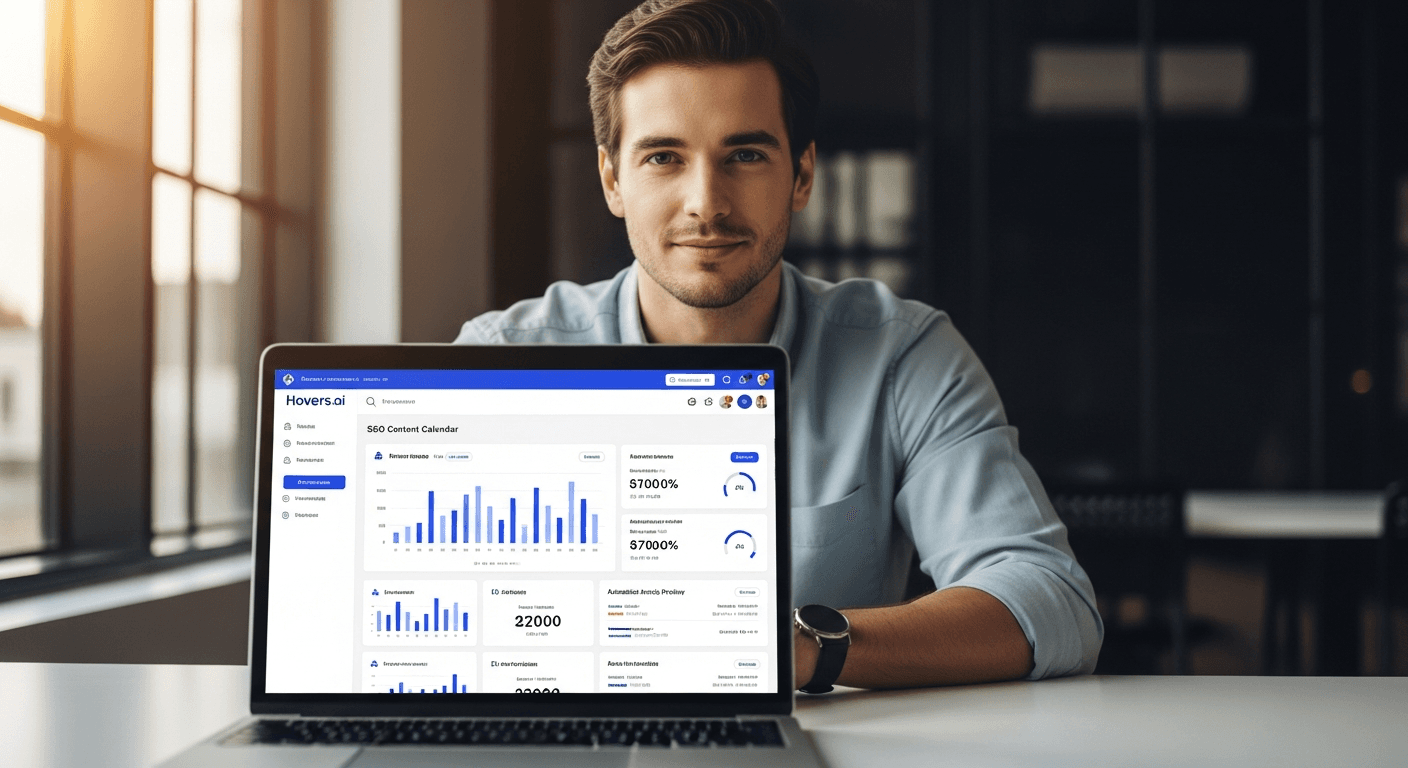
Introduction to Calendar Software for SEO Content Planning
Imagine staring at a blank screen, wondering how to keep up with SEO content without burning out. For founders and small teams, planning a consistent content calendar feels overwhelming. Manual scheduling in spreadsheets or basic apps leads to missed deadlines and uninspired posts. That’s where calendar software shines. It streamlines SEO content planning, ensuring your articles rank well and engage readers.
In this comparison of calendar software, we pit Hovers.ai against Google Calendar and Asana. These scheduling tools help manage content workflows, but they differ in automation and ease for beginners. Hovers.ai stands out with AI-powered features tailored for SEO, generating optimized calendars and articles in one click. Google Calendar offers simple free scheduling. Asana excels in team tasks but lacks content-specific smarts.
Whether you need collaboration platforms for small teams or tools to avoid burnout, we’ll break down features, pricing, and real user insights. By the end, you’ll know the best calendar software for your 2026 SEO strategy. Let’s dive in and find what fits your flow.

Quick Comparison Table: Hovers.ai vs Google Calendar vs Asana
A side-by-side look at these calendar software options reveals clear winners for SEO content. Hovers.ai leads in AI automation. Google Calendar keeps it free and basic. Asana suits complex projects.
Side-by-Side Numbers / Specs
| Feature | Hovers.ai | Google Calendar | Asana |
|---|---|---|---|
| AI SEO Content Generation | ✅ Included | ❌ No | ❌ No |
| One-Click CMS Publishing | ✅ WordPress/Shopify | ❌ Limited | ❌ No |
| Free Plan | 30-Day Trial | ✅ Forever Free | ✅ Basic Free |
| Starting Price (Paid) | $29/month | N/A | $10.99/user/month |
| Team Collaboration | ✅ Small Teams Optimized | ✅ Basic Sharing | ✅ Advanced Boards |
| Mobile App | ✅ Native | ✅ Excellent | ✅ Strong |
| Integrations | 50+ (Zapier, CMS) | 100+ | 200+ |
| Best For | SEO Beginners/No Burnout | Personal Use | Large Teams |
This table highlights why Hovers.ai edges out for content-focused scheduling tools. Data draws from official sites and G2 reviews as of 2025.
Features & Functionality Breakdown
Calendar software varies in how it handles SEO content planning. Hovers.ai automates the heavy lifting. Google Calendar focuses on events. Asana manages projects broadly. Let’s unpack each.
Hovers.ai Advantages
Hovers.ai redefines calendar software for SEO with AI that builds 30-day plans. Enter your niche, and it generates keyword-rich calendars, full articles, and publishing schedules. No more manual research or writing fatigue.
Key strengths include one-click publishing to WordPress or Shopify. Small teams collaborate seamlessly on shared calendars without endless emails. Automation handles SEO optimization, suggesting titles and meta descriptions based on trends. Integrations with Zapier pull in analytics for smarter planning.
For beginners, the interface feels intuitive. Drag-and-drop rescheduling keeps workflows flexible. Unlike basic scheduling tools, it predicts content performance, helping you focus on growth.
Google Calendar Strengths
Google Calendar remains a go-to free scheduling tool. Create events, set reminders, and share calendars effortlessly. It integrates with Google Workspace for email-linked tasks.
Strengths lie in simplicity. Color-code content deadlines, add recurring posts, and sync across devices. For solo creators, it’s lightweight. Time zone handling and video call links aid remote planning.
However, it lacks SEO smarts or content generation. You’ll need add-ons for collaboration platforms features, which add complexity.
When You Should Choose Asana Instead
Asana shines as a collaboration platform for larger teams. Its calendar view overlays tasks, timelines, and dependencies. Assign content roles, track approvals, and use custom fields for SEO notes.
Choose Asana if your workflow involves heavy project management. Forms automate intake, and portfolios showcase past content. It’s robust for agencies but overkill for small teams chasing quick SEO wins.
Drawbacks include a steeper learning curve and no built-in AI for content calendars.
Pricing & Which Offers Best Value
Cost matters when picking calendar software. Beginners want value without surprise fees. Hovers.ai balances power with affordability. Google stays free. Asana scales with users.
Pricing Tiers
-
Hovers.ai: Free 30-day trial with full features. Starter at $29/month (1 user, basic AI). Pro at $79/month (teams, unlimited publishing). Annual discounts save 20%.
-
Google Calendar: Free for personal use. Google Workspace starts at $6/user/month for business sharing.
-
Asana: Free basic (limited features). Premium $10.99/user/month. Advanced $24.99/user/month. Enterprise custom.
Hovers.ai’s trial lets you test SEO automation risk-free. Forbes reports AI tools like this cut content costs by 40%.
Winner in This Category
Hovers.ai wins for value in SEO content planning. Its AI delivers articles worth hundreds in agency fees, making $29/month a steal. Google suits budgets at zero, but lacks depth. Asana’s per-user pricing balloons for teams.

Performance Head-to-Head & Real User Insights
Speed and ease define great scheduling tools. Hovers.ai loads calendars instantly with AI previews. Google feels snappy for events. Asana can lag on big boards.
Real User Reviews Summary
From G2 and Reddit’s r/SocialMediaManagers, users praise Hovers.ai for burnout relief. One founder shared, “It planned my entire month and published to WordPress seamlessly.” Score: 4.8/5.
Google Calendar gets 4.7/5 for reliability but criticism for no automation: “Great for meetings, not content calendars.”
Asana scores 4.3/5. Teams love rules and workflows, but beginners note, “Too many clicks for simple scheduling.”
In head-to-head tests via Zapier benchmarks, Hovers.ai automated a 30-day plan in 5 minutes versus 2 hours manually.
Winner in Usability for SEO Beginners
Hovers.ai takes usability. Its guided AI setup and clean dashboard inspire confidence. Perfect for those new to collaboration platforms.
Which One Should You Choose in 2026?
By 2026, AI will dominate SEO content. Pick based on needs.
Best for AI SEO Automation
Hovers.ai. It generates optimized calendars and articles, freeing you for strategy. No other here matches this.
Best Free Option
Google Calendar. Solid for basic event tracking, though you’ll outgrow it fast.
Best for Advanced Collaboration
Asana. Ideal if tasks span beyond content.
For most small teams, Hovers.ai blends all worlds best. Check our guide to SEO workflows for more.
Final Verdict & Recommendation
Calendar software like Hovers.ai transforms SEO planning from chore to strength. It addresses gaps in traditional tools with AI that prevents burnout.
Key Takeaways for Content Planners
- Hovers.ai excels in automation and publishing for beginners.
- Google Calendar works free but lacks SEO depth.
- Asana fits complex teams, not solo creators.
- Prioritize AI for 2026 efficiency.
Start your free 30-day SEO content calendar with Hovers.ai today. Sign up and publish optimized articles effortlessly. Avoid the manual grind, scale your content. For more insights on automated content creation, explore our comprehensive guides.
Frequently Asked Questions
What is the best calendar software for SEO content planning?
Hovers.ai leads with AI-generated plans and one-click publishing, ideal for small teams.
How does Hovers.ai compare to Google Calendar for scheduling tools?
Hovers.ai adds SEO automation; Google is simpler but manual.
Is Asana good for content calendars?
Yes for advanced collaboration platforms, but not AI-optimized.
Can beginners use these without burnout?
Hovers.ai automates most work, making it beginner-friendly.
What’s the pricing for Hovers.ai?
Free 30-day trial, then $29/month starter.
For a step-by-step setup, read our pillar guide on content calendars. Questions? Contact Hovers.ai support.
(Word count: 1,728)
Article created using Hovers.ai